3D models for Roblox: avatars, gear and props
Make swords, hats, pets and props from a sketch or a prompt. Keep the face count low, export FBX or OBJ, and check the fit on your avatar in Studio.
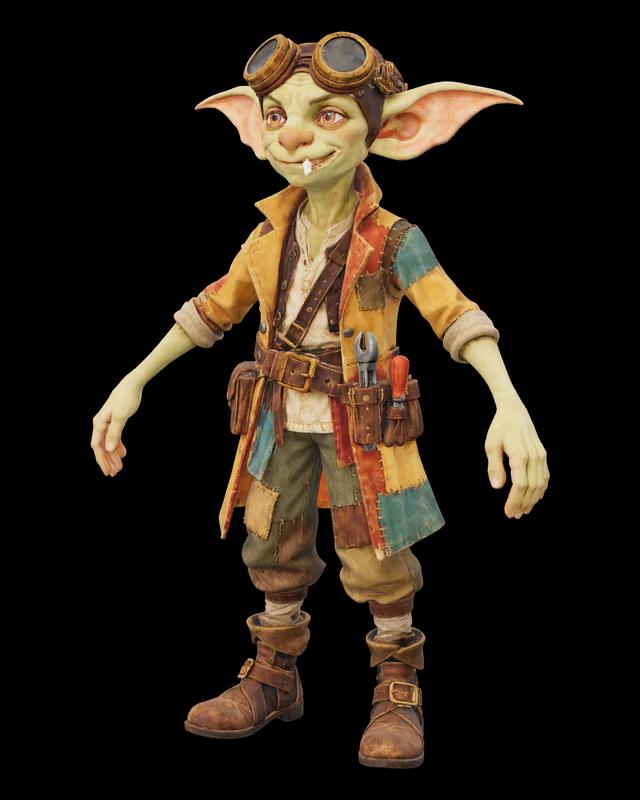
Start from your idea
Describe the item or upload a sketch. A reference image keeps the shape and colors close to what you drew.
Keep it light
Pick the 3K or 10K face limit for gear and accessories, and check the silhouette before you export.
Bring it into Studio
Import the FBX or OBJ, check scale and orientation, then set up attachments on your character.
Prompts to try
Click one to open it in the workspace.
Tools you'll use
Batch mode
Make a set of props from images or text prompts.
Image to 3D
Upload a photo or sketch of one object.
Text to 3D
Describe the object, its shape and its surface.
AI Texturing
Describe a finish such as chipped enamel or brushed brass.
Rigging & Animation
Turn a generated character into a rigged, animated model.
Start creating in 3D
Open a free account and add funds when you’re ready to generate. Top-ups start at $5.