Give a 3D model a new finish
Describe a finish such as chipped enamel or brushed brass. Apply it to a model in your workspace from $0.10.
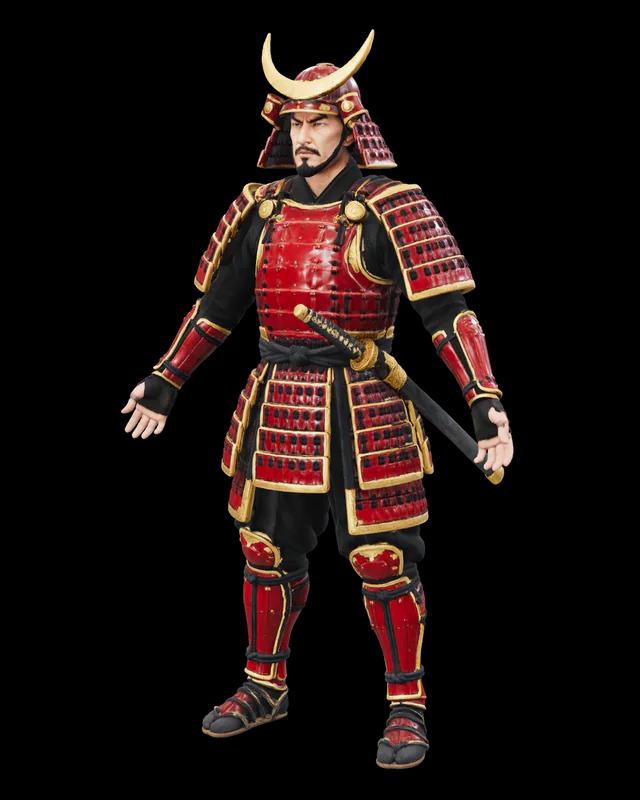
AI Texturing in three steps
Pick a model
Open any model you've generated in the workspace.
Describe the look
“Polished brass with green patina”, “hand-painted fantasy style”, or leave it blank to refresh the original.
Choose quality
Standard, HD or Ultra 8K textures with base color, roughness, metalness and normal maps.
Full PBR material sets
Textures that react properly to light in any engine or renderer.
- Base color
- Roughness & metalness
- Normal maps
Multiple finishes, one mesh
Make color-ways, damage states and seasonal variants of one mesh without remodelling.
- Keep the same geometry
- Prompt-driven
- Up to 8K
Simple pricing
Retexturing costs $0.10 for standard, $0.20 for HD or $0.30 for Ultra 8K.
- No subscription
- Refund on failure
- Commercial use
Popular with
Game Development
Turn concept art into a character or a prompt into a prop. Set the polygon budget, keep the PBR materials and export to Unity, Unreal or Godot.
ExploreE-commerce
Turn product photos into 3D models that shoppers can spin, zoom and place in their room with AR.
ExploreProduct Design
Turn sketches and reference photos into 3D concepts for design reviews, renders and early prototypes.
ExploreFilm & Animation
Generate props, background assets and rigged characters for previs, animatics and stylized shorts.
ExploreFAQ
Can I retexture my own uploaded model?
Not yet. Retexturing works on models you make in Sparky3d.
Does retexturing change the geometry?
No. Only the materials and texture maps change.
Explore more features
Start creating in 3D
Open a free account and add funds when you’re ready to generate. Top-ups start at $5.