Turn a reference image into a 3D model
Upload a photo or sketch of one object. Add side and back views when the silhouette hides details you want to keep.
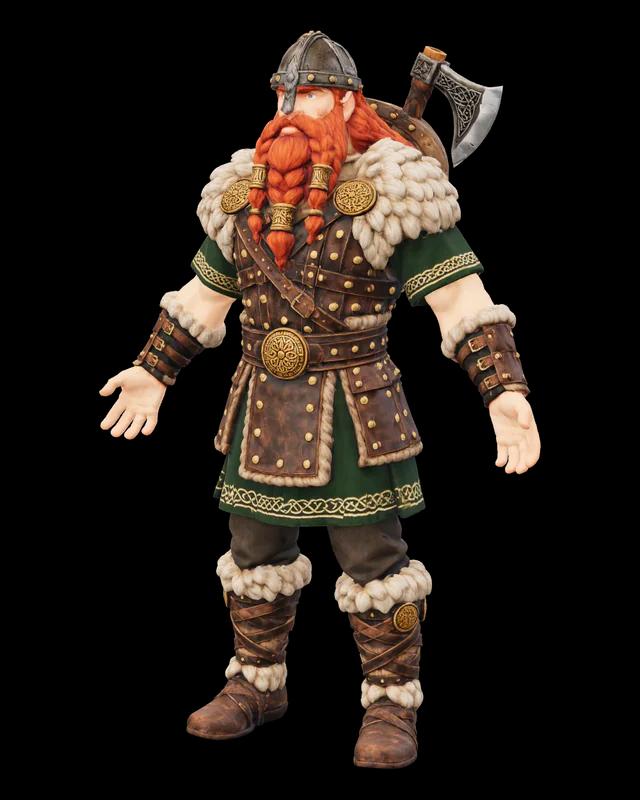
Image to 3D in three steps
Upload your image
PNG, JPG or WebP up to 20 MB. A clear subject on a simple background gives the best result.
Pick your settings
Choose a texture resolution and face limit. Check the total before generating.
Download and use
Preview it in 3D, then export GLB, FBX, OBJ, STL or USDZ for your engine, printer or renderer.
Faithful to your reference
Shape, proportions and colors follow your image closely, with PBR materials that look right under real lighting.
- PBR textures up to 8K
- Up to 4 views for tricky shapes
- Detailed geometry option
Choose your export format
Download a GLB for Blender or a game engine. For printing, export an STL and check it in your slicer.
- Quad remeshing
- Smart low-poly
- Polycount control
Single model pricing
Turn one reference image into a textured model for $0.30 with standard settings.
- 30¢ per model
- 12.5¢ each in a set of 8
- Refunds on failures
Popular with
Game Development
Turn concept art into a character or a prompt into a prop. Set the polygon budget, keep the PBR materials and export to Unity, Unreal or Godot.
Explore3D Printing
Make figurines, tabletop minis, gifts and spare parts from a photo or a prompt. Export STL or 3MF and check the mesh with our free tools before you slice.
ExploreE-commerce
Turn product photos into 3D models that shoppers can spin, zoom and place in their room with AR.
ExploreVR / AR
Textured models for WebXR, Quest, Vision Pro and AR Quick Look, with polygon limits that keep frame rates up.
ExploreFAQ
What images work best?
One clear, well-lit subject that's fully in frame, on a plain background. Avoid heavy motion blur, extreme crops and multiple overlapping objects.
Can I use several views of the same object?
Yes. Switch to Multi-view and add a front view plus left, back or right views for more accurate geometry on complex objects.
Does it work with sketches?
Yes. Clean line drawings and concept art work well, especially with clear silhouettes.
Explore more features
Start creating in 3D
Open a free account and add funds when you’re ready to generate. Top-ups start at $5.