Generate a 3D model from text
Describe the object, its shape and its surface. A standard textured model costs $0.20.
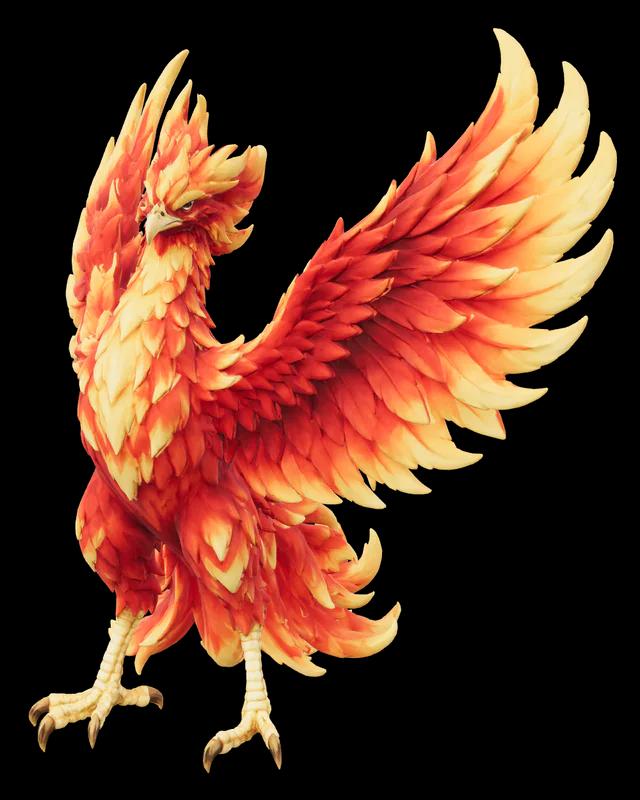
Text to 3D in three steps
Write a prompt
Describe the object, its materials and style: “weathered bronze lantern with a glass panel, game-ready”.
Tune the output
Choose texture quality, topology and polycount, or add up to eight prompts at once.
Inspect the model
Rotate the model to check its silhouette. Change the material or export the mesh when it fits your scene.
Describe shape and finish
For a lantern, specify the shape of the frame, the material of the panels and where the handle attaches.
- Negative prompts
- Any style, realistic to toon
- PBR materials
Make a set from prompts
Write up to eight prompts and get eight separate models for $1 with standard textures.
- Different prompts in one set
- Shared style direction
- Each model its own file
Keep going after generation
Retexture with a new prompt, auto-rig characters, add animations or export a file for your engine.
- AI retexturing
- Auto-rigging
- FBX, USDZ, 3MF exports
Popular with
Game Development
Turn concept art into a character or a prompt into a prop. Set the polygon budget, keep the PBR materials and export to Unity, Unreal or Godot.
ExploreFilm & Animation
Generate props, background assets and rigged characters for previs, animatics and stylized shorts.
ExploreEducation
Create models for science demos, history lessons and student projects, then view them in the browser or print them.
ExploreInterior Design
Generate furniture, lighting and decor for mood boards, room planning and client presentations.
ExploreFAQ
How long can a prompt be?
Up to 1,000 characters for single generations and 300 per item in a batch. Clear, concrete descriptions beat long ones.
Can I control the style?
Yes. Describe it in the prompt (for example “stylized low-poly”, “photoreal” or “claymation”), or set one style for a whole set.
Why do text sets start at 3 prompts?
A single text model is already 20¢, so set pricing starts at three prompts. Make one or two models individually.
Explore more features
Start creating in 3D
Open a free account and add funds when you’re ready to generate. Top-ups start at $5.